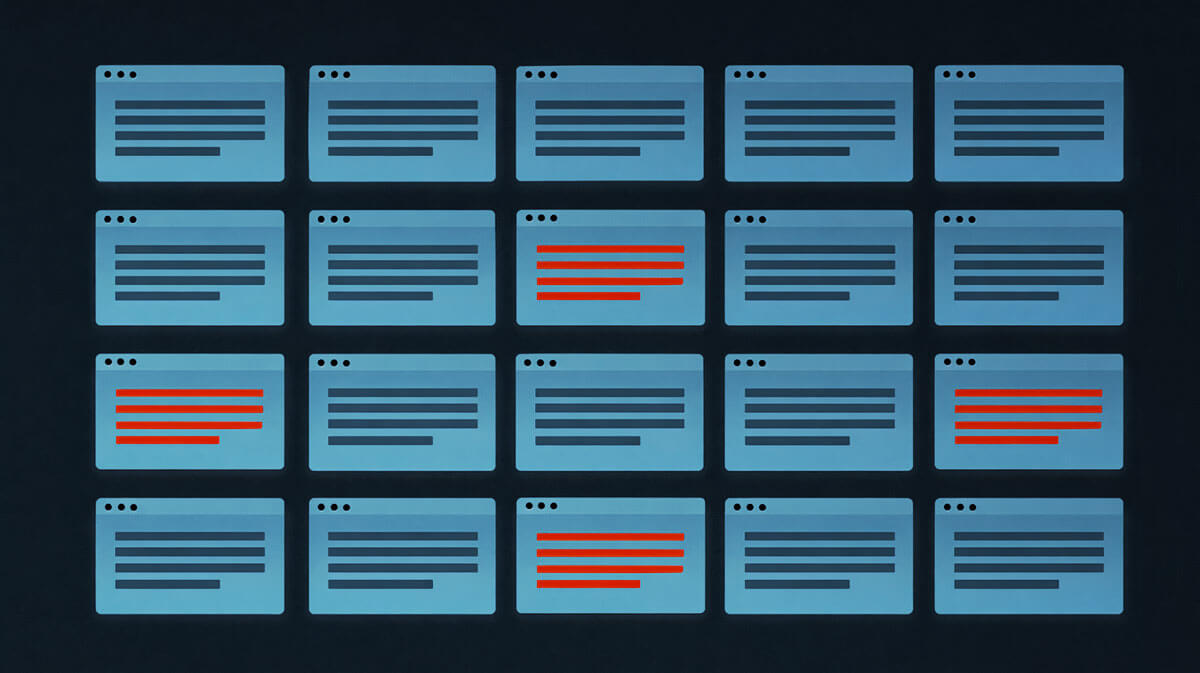
Large government organisations can have hundreds of websites under their remit. The main site might be perfectly on-brand, but what about every agency subsite, legacy microsite, procurement portal and campaign site?
These websites get built independently by different teams and contractors over many years. Brand guidelines exist, but font implementations drift. Commercial fonts get installed without proper web licences. Subscriptions lapse. Desktop fonts get uploaded to web servers. And unless someone is constantly looking at the full portfolio, these issues accumulate quietly.
This guide covers how to audit, remediate and monitor font compliance at government scale.
Why font compliance gets out of control
Government web portfolios grow organically. Different departments commission their own sites. Contractors come and go, each making their own font choices. Content management systems get customised by different developers over different years.
You end up with a patchwork. Some sites follow brand guidelines. Others use whatever the contractor had on hand. And font licensing – the part that actually carries legal risk – rarely gets checked once a site goes live.
Common issues include:
-
Brand guideline drift: The style guide specifies one font, but individual agencies choose their own
-
Contractor leftovers: A developer installed commercial fonts during a redesign and left no licensing documentation
-
Subscription gaps: Adobe Fonts or other subscription-based fonts were set up under a personal account that's since been cancelled
-
Unlicensed commercial fonts: Premium fonts served without proper web font licences, or with desktop licences that don't cover web use
These aren't edge cases. They're common across any organisation managing a large number of websites, and they create real exposure.
The compliance risks are real
Fonts are software. Using them without proper licences carries legal and financial risk, even for government entities.
Under Australian law, font files are protected as computer programs – a category of literary work under the Copyright Act 1968. While the typeface design itself has limited protection in Australia, the digital font software is treated the same as any other copyrighted software. Using it without a proper licence is infringement. Multiply that across dozens of sites serving unlicensed commercial fonts, and the potential exposure adds up. For examples of how costly these mistakes can get, see our breakdown of real cases.
Government organisations also face accountability pressures that private companies don't. A licensing dispute that results in taxpayer money going toward settlement payments is both a legal and a reputational problem. And when brand guidelines specify a commercial font, every agency website serving it needs its own proper web licence – not just the main site.
Step 1: Audit every site in your portfolio
You can't fix what you can't see. The first step is getting a complete picture of which fonts are being used across every website under your jurisdiction.
Doing this manually – opening DevTools on hundreds of websites, inspecting font files, cross-referencing licences – would take weeks. Automated scanning is the practical alternative.
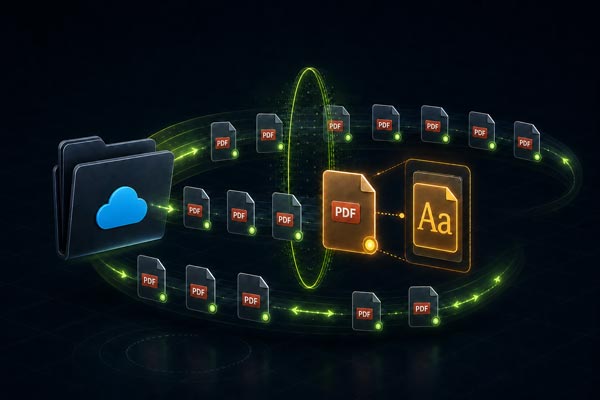
FontReport's Enterprise solution lets you scan all your websites and build up a clear picture of every font in use across your portfolio – where fonts are hosted, which are free/open source and which are commercial. Instead of losing track of what's on each site, you have it documented.
For each site, you need to know:
-
Which font families and weights are being loaded
-
Whether fonts are self-hosted or loaded from a third-party service
-
Which fonts are open source (safe) versus commercial (need licence verification)
-
Where font files are actually hosted
Once you have that baseline, you can start categorising and fixing things.
Step 2: Categorise what you find
Sort fonts into categories based on risk:
Compliant – no action needed: Open source fonts used correctly. Fonts under SIL Open Font License or Apache License with proper implementation. System font stacks.
Likely compliant – verify documentation: Commercial fonts where the department claims to have licences. Subscription fonts tied to active accounts. Check that actual licence documentation exists and covers web use specifically.
Non-compliant – immediate action needed: Commercial fonts with no licence documentation. Fonts from cancelled subscriptions. Desktop fonts that have been converted for web use without proper licensing.
Step 3: Remediate the issues
For each non-compliant font, you have three options:
Purchase proper licences: Contact the foundry, buy web font licences that cover the relevant sites and traffic levels. Make sure licences are purchased in the government entity's name, not an individual's or contractor's.
Replace with open source alternatives: Swap commercial fonts for open source alternatives that match your brand guidelines. Many government design systems already specify open source fonts precisely because they eliminate licensing complexity. If your guidelines require a commercial font, it may be worth proposing a migration to reduce ongoing risk.
Use system font stacks: As a last resort, modern system font stacks look professional and carry no licensing concerns. Not ideal if the design relies on a specific typeface, but it eliminates legal risk immediately.
Open source is often the smartest route for government. No ongoing licence management, no renewal dates to track, and no risk of a contractor's subscription lapsing and creating a gap in compliance.
Step 4: Update your brand guidelines
Once you've cleaned things up, make sure your brand guidelines are specific enough to prevent the same problems recurring.
The best government design systems don't just name a font. They specify exactly where to download it, which weights to use for headings versus body copy, what fallback fonts to declare, and how the font should be hosted. That level of detail leaves little room for agencies to go off-script.
Effective government web typography guidelines should specify:
-
Exact font families and weights approved for web use
-
Where to get them: Direct download links or internal asset repositories
-
How to implement them: Self-hosted, with specific CSS examples
-
What's not allowed: No using desktop fonts on websites, no installing fonts from personal accounts
-
Licence documentation requirements: What records each department must maintain
Vague guidelines like "use a clean, modern sans-serif" are how you end up with 15 different fonts across your portfolio.
Step 5: Monitor continuously
Most teams do the audit, fix the issues, update the guidelines, and then never check again. Six months later, a contractor adds a commercial font to a redesigned site and nobody notices.
Font compliance needs ongoing attention, especially when multiple teams and contractors are making changes across your portfolio.
FontMonitor runs scheduled monthly scans across all your websites and sends email alerts when something changes. A new commercial font appears on a site? You get notified. A font source changes? You hear about it before it becomes a compliance issue.
For organisations managing dozens or hundreds of sites, continuous monitoring is the only practical way to maintain compliance without dedicating staff to manual checks.
Building font compliance into procurement
The best time to catch font issues is before they happen. Include font requirements in your web development procurement contracts:
Tender requirements: Require that all fonts used in deliverables be open source or accompanied by proof of proper web font licensing.
Contractor handoff checklist: Require documentation of all fonts used, their licence types, and where the font files are stored. Don't accept a site handoff without this. For more on managing font licensing in contractor relationships, see our guide to font licensing liability.
Get started with a portfolio-wide audit
If you're responsible for a government web portfolio, a full font audit is the logical first step. Scan your websites with FontReport to get a complete picture of every font in use, where it's coming from, and which sites need attention.
For ongoing monitoring across large portfolios, FontReport Enterprise with FontMonitor gives you scheduled scans and automated alerts, so you can maintain compliance without manually checking hundreds of sites every month.
The time you spend setting up monitoring now prevents the awkward conversation later about why taxpayer money is going toward a font licensing settlement.