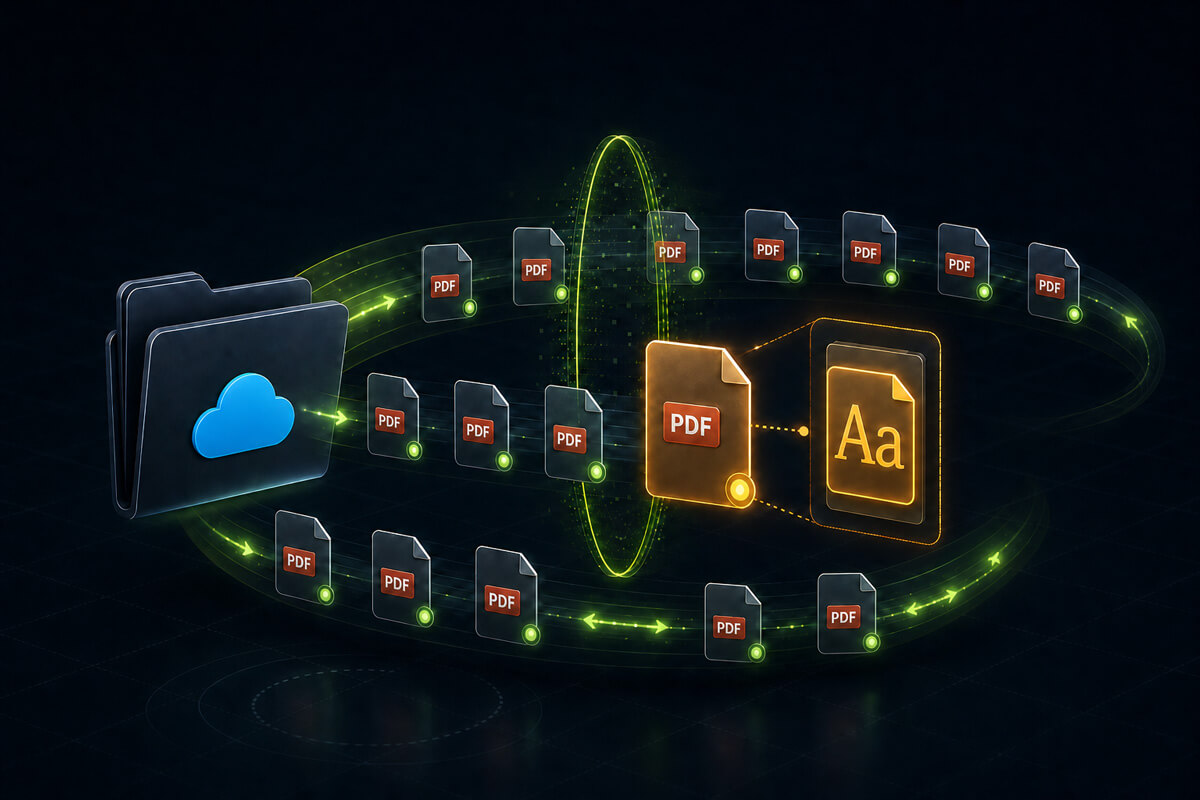
To monitor PDFs for unlicensed fonts, inspect the files in a shared output folder as they arrive and compare newly detected fonts with the licences your organisation has already reviewed. That surfaces a new font while the job is still current, rather than months after publication.
Imagine a designer laying out a feature spread when the headline needs a display face the magazine's style guide doesn't cover. The issue goes to press tomorrow. They find something that works, download it, set the headline, and move on. It looked free. Nobody asked, nobody logged it, and the spread ships in an illustrative print run of 40,000 copies.
That's one common way font licensing gaps develop: hundreds of documents produced by dozens of people over years, each making a reasonable decision under time pressure. Add every freelancer and agency who has delivered a file, and nobody in the business can say with confidence which fonts are in the material you publish.
In many live print-ready PDFs, useful font evidence is embedded in the file. Outlined, rasterised and non-embedded text are important exceptions. The practical problem is that nobody can open hundreds of files by hand, so the useful question is how to monitor PDFs automatically and surface a new, unreviewed font when it appears.
The fonts that matter are in the files, not on the machines
Font management tools generally approach this from the machine end: what's installed, on whose computer, and whether it matches what the business bought. That's a sensible way to run a studio, and for some organisations it's enough.
It stops being enough as soon as the material you publish isn't all made in-house on managed machines. A font used by a freelancer, an agency or a colleague on an unmanaged laptop never appears in an installed-font inventory. Neither does one a designer downloaded, used once and deleted. It's still in the PDF, and the PDF is what you distribute.
What preflight catches, and what it doesn't
Many print operations already run preflight, and it is very good at the checks configured in its selected profile: confirming that a file meets production requirements, including whether required fonts are embedded and whether anything is missing or broken.
That's a technical question, though, and licensing is a different one. Preflight exists to confirm a file will image correctly, not to work out whether your business holds the rights to the typefaces inside it. A file can be flawless by every production measure and still contain a font nobody ever licensed. That isn't a shortcoming of preflight, which was never trying to answer that question. It just means the check doesn't happen anywhere else by default.
What actually creates exposure in a PDF
There's a fair amount of scaremongering on this topic, so it's worth being clear: embedding a font in a PDF is not automatically a licence violation. For example, Adobe Fonts permits properly embedded PDFs, while the OpenType fsType setting records the vendor's document-embedding permissions. The actual answer still comes from the licence covering that font and use.
The exposure is narrower than that, and four things are worth catching.
A font nobody in your organisation licensed. This is the big one, and it's usually mundane. Someone used a font the business doesn't hold a licence for, in good faith, and it's now in material you publish. It might have come from a designer, a freelancer, an old template, or a file supplied from outside. What matters is that no one can produce a licence for it.
Restricted embedding. Some fonts carry a setting where the foundry states the font must not be embedded without explicit permission. The OpenType specification is blunt about it: the font "must not be modified, embedded or exchanged in any manner without first obtaining explicit permission of the legal owner." If that font is embedded in a file you're about to send to press, someone needs to have had that conversation.
Subsetting a font whose settings forbid it. OpenType has a No subsetting flag, meaning the font must not be subsetted before embedding. Common PDF export settings can subset a font when the proportion of characters used falls below a configured threshold; Adobe InDesign exposes that threshold directly. The export process can therefore create a conflict between the subset in the PDF and the font's embedding settings.
Fonts inside placed objects. Artwork within artwork: a logo, a chart, an advert or a supplied PDF placed into a larger layout, carrying its own embedded fonts. These are easy to miss because they don't belong to the parent document. They're passengers.
If a supplied advert contains font data that was not permitted to be embedded or redistributed, and your publication goes out as a downloadable digital edition, the font data travels with the file. Who must secure the necessary rights can depend on the licence terms, supplier agreements, what each party did with the file and the relevant jurisdiction. That makes it a review question rather than something an automated scan should pretend to decide.
That's the practical case for knowing. Finding the font before publication gives the publisher, advertiser and designer a chance to check their agreements and correct the file if necessary.
Printer and service-bureau clauses also vary. Commercial Type's current EULA, for example, says a digitised copy of the font may be sent for a particular document only if no other option exists, requires the printer or service bureau to destroy its copies when the work is complete, and identifies a print/preview PDF as the preferred method. That is much narrower than a general right to hand font files to a supplier.
Little of this arrives as a reported lawsuit. Type designer and licensing specialist Thomas Phinney writes in Communication Arts that only one or two lawsuits over unlicensed font use reach public awareness in a typical year, while many more contacts are resolved out of court.
Where this bites
1. In-house design and marketing teams
A common case, and the least dramatic. A team producing brochures, reports, catalogues and campaign material builds up years of documents, staff turnover, inherited templates and one-off favours from freelancers. The brand fonts are licensed. It's everything around them that nobody can account for.
2. Magazine and newspaper publishers
A double exposure: the pages produced in-house, plus supplied advertising arriving from dozens of agencies, each with its own font choices and its own view of whose licence covers what. The publisher reproduces all of it under their own masthead, in print and increasingly as a downloadable edition.
3. Commercial printers and print brokers
Customer-supplied files, all day. Liability here is contested and largely contractual, and printers often have reasonable arguments about files they didn't create – the same argument agencies and clients have with each other over font licensing. What printers don't have is visibility, and "we didn't know what was in the file" is a weaker position than being able to show that you check.
4. Franchise and multi-location marketing
Head office licences the brand fonts properly. Then a franchisee makes a local flyer, can't get the brand font, downloads something similar, and sends it to print. In a network with, say, 200 locations, that one-off process can be repeated across material published under the same brand.
5. Universities, councils and large organisations
Dozens of departments producing prospectuses, reports and campaign material, often through different agencies with no central approval. The same portfolio-scale problem covered in our guide to font compliance across large organisations, but for print output rather than websites.
How automated monitoring works
The mechanics are simpler than they sound. You point a monitoring tool at the folder your print-ready files already pass through, it establishes a baseline of what's currently there, and then it re-checks on a schedule and compares against that baseline.
The part that determines whether the system survives contact with reality is what happens next. A monitor that alerts on every font it finds quickly becomes noise, because most of what it finds is fonts you legitimately hold. Font-change alerts should focus on fonts that are genuinely new and still unreviewed.
That's why the inventory matters. You classify the fonts your business holds licences for once, and the monitor stops telling you about them. What's left is a font that turned up in this week's output and isn't accounted for, which is the only thing actually worth an email.
Monitoring a Drive folder with FontReport
A FontReport Enterprise Watched Folder does this against a Google Drive folder. Share the folder, run a first scan to establish the baseline, and it re-checks every 1, 4, 12 or 24 hours, inspecting new and changed PDFs as they land.
Fonts you've marked as compliant or ignored in your Font Inventory are suppressed from actionable font-change alerts, along with anything already identified as free to use. Once you've classified the fonts your business legitimately holds, a font-change alert focuses on newly detected fonts that are not accounted for. Separate coverage or error alerts can still be sent when files could not be checked completely. Each change alert names the new fonts and links to the report showing which file each one came from.
FontReport also flags the specific conditions above: restricted embedding, subsetting that a licence prohibits, and fonts found inside placed objects rather than the parent document.
Two limits are worth knowing in advance. FontReport records embedded font programs and ignores non-embedded font references because they do not provide the font data needed for metadata and embedding checks. Flattened or rasterised PDFs can legitimately contain no font data at all, so a clean result on rasterised output means less than it does on a live print-ready file. When a file can't be fully checked, the report says so rather than letting a partial result look clean.
Check the files, not just the machines
Nobody sets out to publish with a font they haven't licensed. It happens because the decision gets made in the middle of a busy afternoon, by someone with no easy way to check, and then nothing surfaces it afterwards. The material ships, and the font quietly becomes part of what your business publishes.
Checking the files rather than the machines is what closes that loop, because the file is the thing you actually distribute. It's the same principle behind auditing an app package before you ship it: the fonts that carry risk are the ones already sitting inside what you send out.
You can't read every PDF your organisation produces. You can watch the folder they pass through. Put the PDFs in an authorised Google Drive folder and contact FontReport about a folder audit, or use FontReport Enterprise to keep watching it.
The point isn't to catch anyone out. It's to know about a font while it's still a question, rather than after it's on 40,000 copies of the issue.